
Coin Show Paperwork: Retire the Receipt Book Before Your Next Bourse
LEDGER · September 9, 2026
Then comes the Monday after the show, when someone spends the day turning that paper into records. This post is about retiring the show receipt book so the Monday after looks like any other Monday.
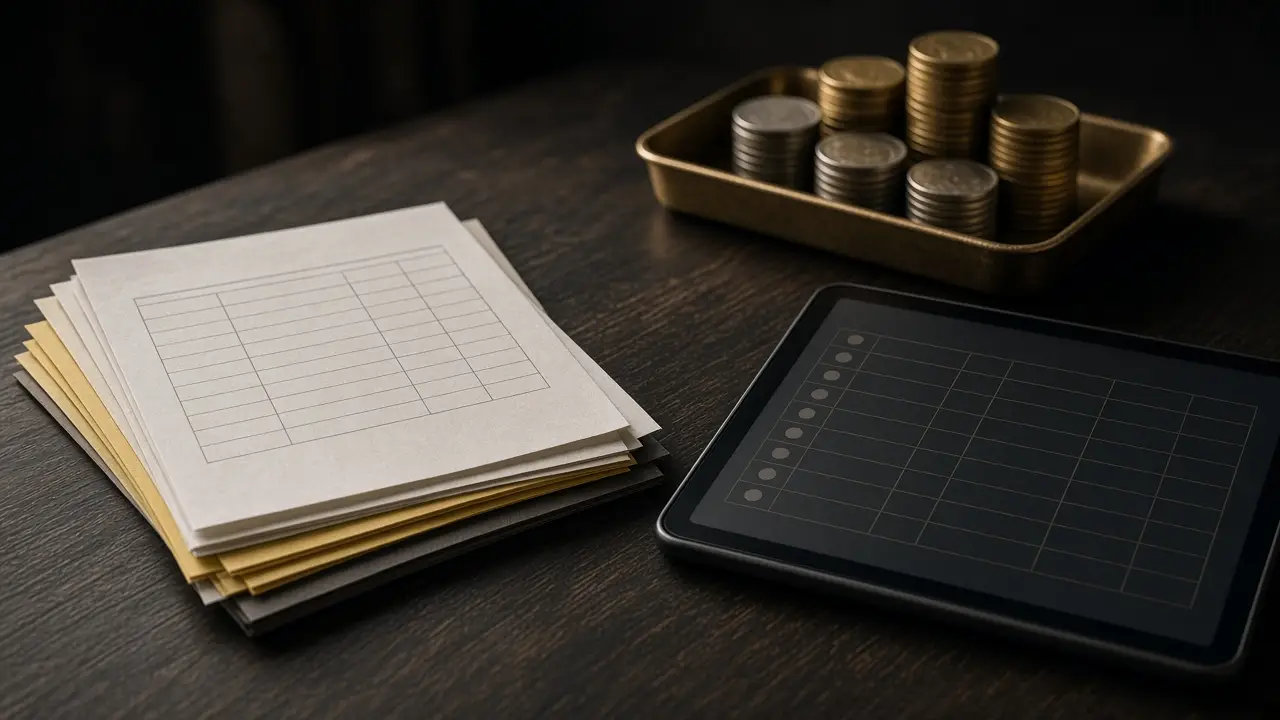
The paperwork a show creates
Before fixing it, it helps to list exactly what the old way produces. Most dealers will recognize all of it.
The receipt book
Carbon-copy receipts for retail sales, often written fast with abbreviated descriptions. Months later, “2 ASE + 1 MS65” means very little.
Buy slips
Purchases from the public and from other dealers, written on whatever is at hand. Weight, purity, and the spot used are often missing.
Dealer-to-dealer memos
Items taken on memo, items given on memo, and trades. These are the easiest to lose track of and the most awkward to reconstruct.
Payment notes
Cash, checks, cards, and promised wires, each recorded differently. Some are “pay you next show.”
Inventory changes
Items sold, items bought, items moved between cases. None of it updates the shop’s inventory until someone keys it in.
Why show paperwork is riskier than shop paperwork
At a show, everything that makes paper fragile is amplified. The pace is faster, the floor is crowded, prices move during the day, inventory is out of its usual locations, and the people writing tickets are tired by mid-afternoon. A missing ticket at the shop is a problem; a missing ticket from a three-day show can be a lost deal, an unpaid invoice, or an unexplained inventory gap.
Replacing paper with the same workflow you run at the shop
The simplest way to retire show paperwork is to stop treating the show as a different business. The workflows are the same as at the counter: quote, invoice, payment, inventory update. Only the location changes.
bullionOS connects coin and bullion inventory, live spot pricing, customers, invoices, shipping, payments, and daily close in one dealer operating system. Running the show through the same system means every sale and every buy is recorded once, on the floor, against the same inventory and the same customer records you use at home.
A paper-free show, before, during, and after
Before the show: make the show box a location
Treat the show inventory as its own named location. Move items into it in the system as you pack, so the shop’s inventory shows what left the building. Quote-ready inventory keeps SKU, metal, quantity, location, and pricing on every item, so the show box is not a separate list. Our post on preparing inventory and price rules before a coin show covers this step in depth.
During the show: quote from live spot
Bullion prices on the floor should come from live spot quoting, not from a price sheet printed the night before. That keeps your table consistent with the market and with each other’s quotes if more than one person is working it.
During the show: write invoices, not receipts
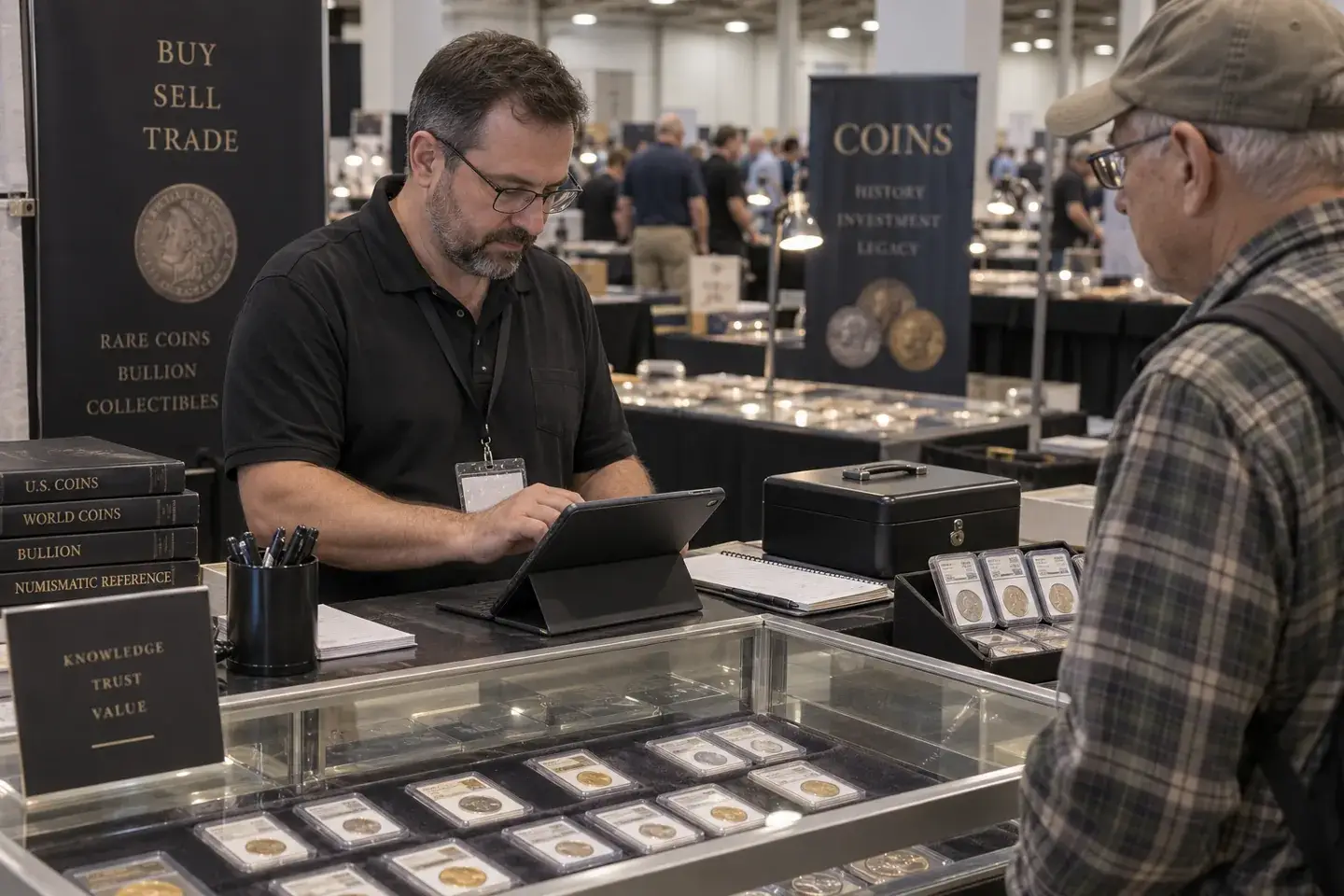
Every sale and every purchase becomes an invoice at the table. The invoice carries the items, the price, the customer or dealer, and the payment. Nothing needs to be rewritten on Monday.
During the show: record payments against invoices
Cash, checks, cards, and promised wires are applied to the invoice they belong to. “Pay you next show” becomes an open balance on a real invoice, not a note on the back of a card.
During the show: record memos as memos
Items going out on memo and coming in on memo should be recorded as such, with the other dealer named and the terms noted, so the shop knows what it owns and what it owes back.
After the show: receive the box back
When the show box returns, receive it like any inbound package: count it against the show location, resolve differences, and move items back to their home locations. See post-show reconciliation for coin dealers for a full checklist.
After the show: close the days
Each show day closes like a shop day. Daily cash control covers cash, bank balance, clearance timing, and bank matches, so checks and wires from the show are matched when they clear instead of being chased weeks later.
Practical floor tips
- Plan for connectivity. Shows can have unreliable networks. Bring your own connection and agree on a fallback procedure before you need one.
- Decide who writes invoices. One person per device keeps records clean and accountable.
- Keep the screen work short. Customers at a show want a fast transaction. Practice the invoice flow before the show so it takes no longer than a receipt book.
- Use exposure at spot after big buys. Shows are where large lots appear. Checking holdings and spot sensitivity before committing capital matters as much on the floor as at the shop.
- Keep a small emergency pad, and enter it the same day. If you must write a paper ticket, enter it at the end of that show day, not on Monday.
What changes on the Monday after
When the show runs on the same records as the shop, the Monday after is a review instead of a data-entry project. Inventory already reflects what was sold and bought. Invoices already show who paid and who owes. Bank matches are already underway. The only paper left is the emergency pad, and ideally it is blank.
Shows are where dealers lead the bull run: new inventory, new customers, and fast decisions. They should not also be where your records fall apart.
For a show-day workflow that stays connected to the shop, see bullionOS coin show operations.
Plan your next show with us
Tell us how you run a show today, receipt book and all, and we will walk through how bullionOS handles quotes, invoices, payments, and daily close on the floor. Book a complimentary demo.