
Invoice Balances, Partial Payments, and Follow-Up Without the Paper Trail
LEDGER · August 26, 2026
That separation is behind a lot of uncomfortable moments: metal released before payment cleared, customers called about balances they already paid, and month-end hours spent figuring out who still owes what. This post covers how to run invoices and payments as one connected record.
Why paper invoices create payment problems
The balance is not on the invoice
A paper invoice shows a total. It does not show what has been paid against it. To know the balance, someone has to find every payment and do the math.
Payments arrive in many forms
Cash at the counter, a check in the mail, a wire, a card payment, a marketplace payout, a deposit now and the rest at pickup. Each one is recorded in a different place, so matching them to invoices becomes a weekly project.
Follow-up depends on memory
If the only list of open balances is in someone’s head, follow-up happens when that person remembers. Customers who need a reminder do not get one, and customers who have already paid sometimes get two.
Release decisions get made blind
The most expensive problem is releasing metal, by pickup or shipment, against a payment that has not cleared. When payment status is not on the invoice, the person at the counter cannot see it.
One record: invoice, balance, payment
bullionOS keeps invoices, shipping, payments, and cash review attached to the day’s work. Invoice status and balance are visible alongside the transaction, and payments surface drawer cash, bank balance, clearance timing, bank matches, accounting entries, and daily close work. The morning view brings appointments, holds, vault tasks, and payment follow-up together, so open balances are part of running the desk instead of a separate chore.
Designing your invoice and payment workflow
Start every sale and purchase as an invoice
Whether the shop is selling bullion to a customer or buying a collection from one, the transaction should become an invoice at the moment the price is agreed. That invoice is the anchor for everything that follows: payment, pickup, shipping, and close.
Record every payment against an invoice
No payment should exist without an invoice it belongs to. When a wire arrives, it is applied to a specific invoice. When a customer pays a deposit, the invoice shows the remaining balance. Unapplied payments are a warning sign and should be resolved daily.
Track clearance, not just receipt
Received and cleared are different states. A check deposited today and a wire initiated this morning may not have cleared. Clearance timing should be visible to anyone deciding whether to release metal.
Make the balance the release gate
Write a simple rule: metal is released when the invoice balance and payment clearance meet your policy. Staff should check the invoice, not a note or a verbal assurance, before handing over a package or printing a shipping label.
Handling common payment scenarios
Deposits and layaway-style holds
A customer puts down a deposit to hold an item. The invoice shows the deposit and the balance, and the item is held in inventory so the counter does not sell it to someone else. Define how long holds last and what happens to deposits if the customer does not complete the purchase, and explain that policy in writing.
Split payments
Part cash, part card, or part check, part wire. Each payment is recorded separately against the same invoice, so the close shows each method where it belongs.
Paying sellers
When the shop buys from a customer, the payment runs in the other direction. Record how the seller was paid, whether cash from the drawer, a check, or a transfer, against the purchase invoice. That keeps the drawer count and the bank match honest at close.
Overpayments and refunds
Overpayments should be visible on the invoice, not quietly absorbed. Refunds should be recorded as their own events linked to the original invoice, never as edits that make the original payment disappear.
A follow-up routine that runs itself
Payment follow-up works best as a short daily habit rather than a monthly collection effort.
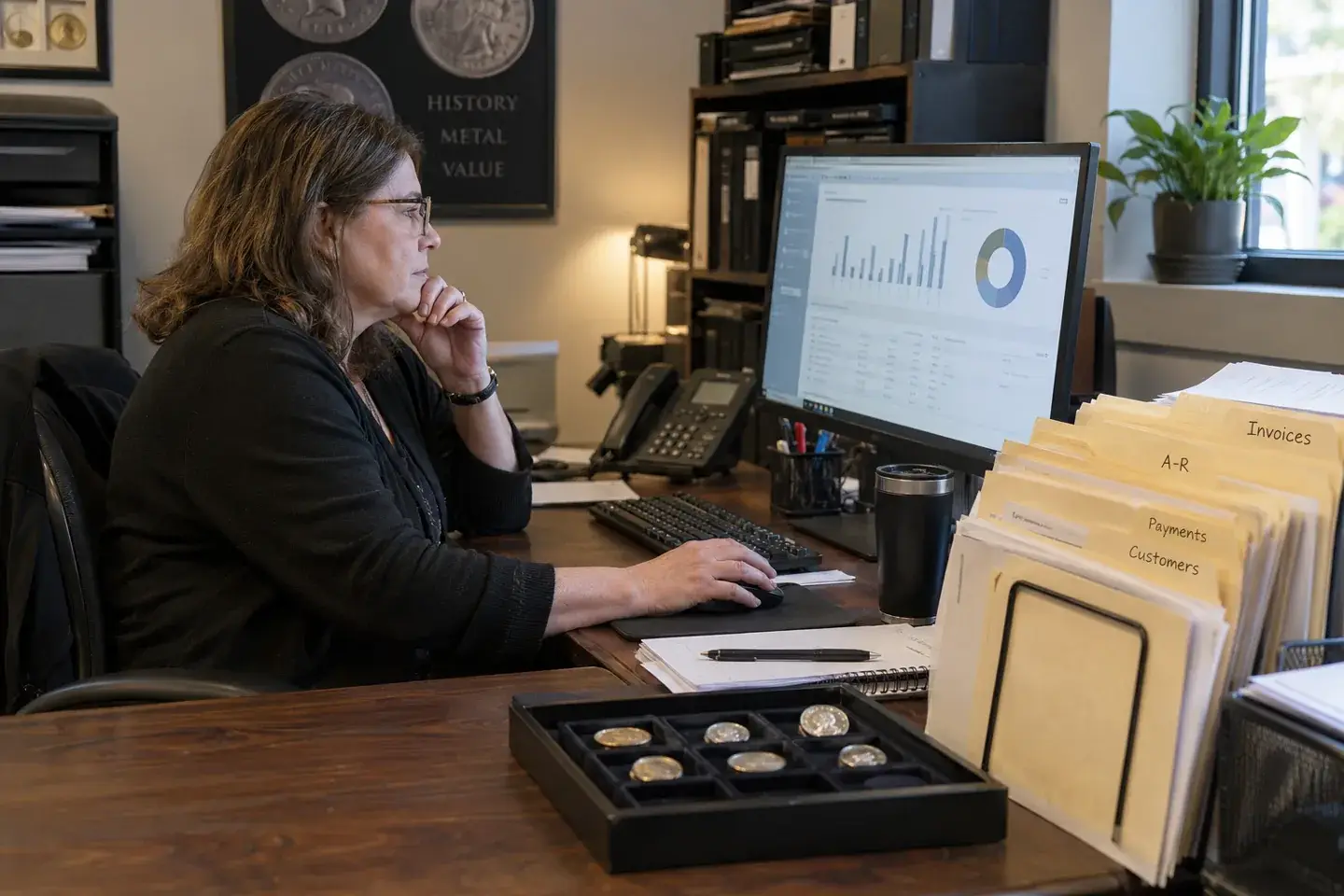
- Morning: review open balances and expected payments in the day’s view. Note any wire or check that was due yesterday.
- Midday: contact customers whose payments are late, using the invoice as the reference so the conversation is specific.
- Close: match the day’s payments to the bank and to invoices as part of daily cash control. Anything unmatched gets an owner.
Keep follow-up factual and courteous. A clear message that references the invoice, the amount, and the expected method is easier for the customer to act on than “just checking in.”
What your accountant will notice
When every payment is tied to an invoice and every day ends with bank matching, the records that reach your accountant are already reconciled. bullionOS is designed to produce accounting-ready records, so month-end becomes a review instead of a reconstruction. Our month-end close checklist covers what to review once daily records are clean.
Retire the “who owes us?” folder
Most shops have one: a folder, a clipboard, or a spreadsheet of open balances that is never quite current. Once invoices carry their own balances and payments are applied as they arrive, that folder has nothing left to hold. Box it with the carbon copies.
For invoices, payments, and follow-up in one workflow, see bullionOS bullion dealer software.
See invoices and payments connected
Bring a few real scenarios, such as a deposit, a split payment, or a wire that took three days, and we will walk through how they look in bullionOS. Book a complimentary demo.