
Ending Shipping Chaos: How Coin Dealers Link Every Package to an Invoice
LEDGER · August 12, 2026
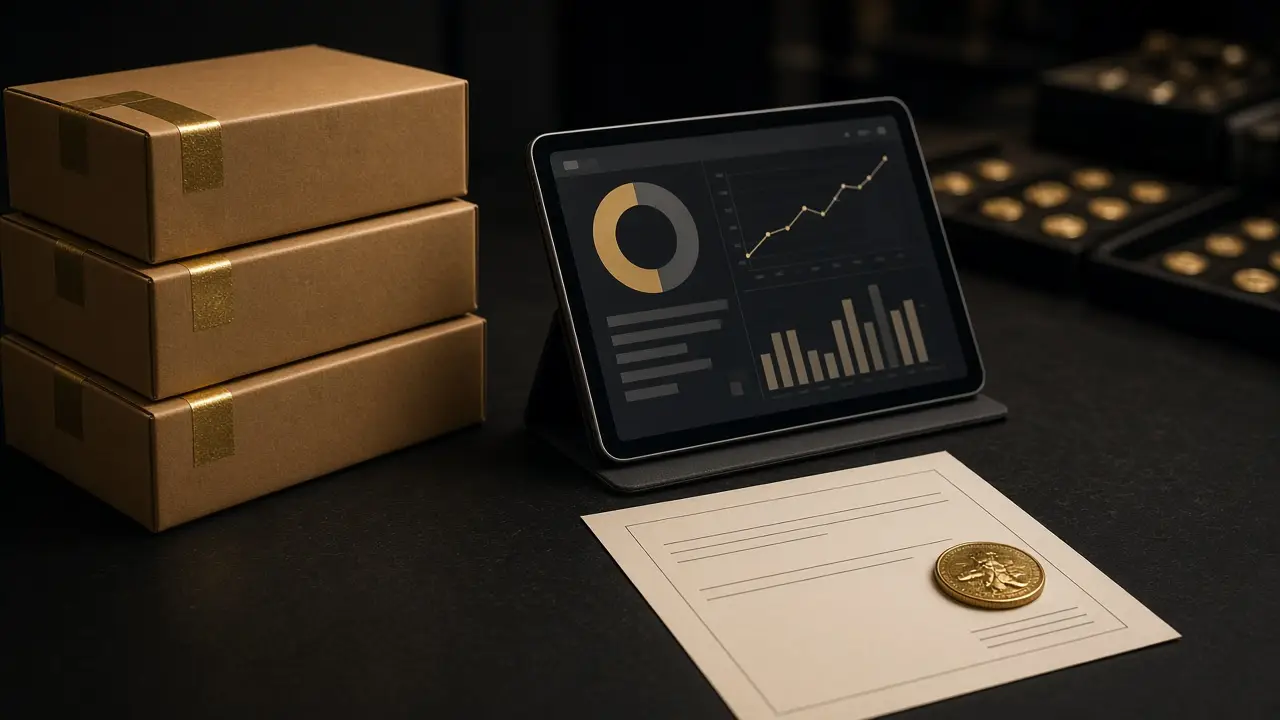
Shipping chaos is not about boxes. It is about the link between a package and the transaction that created it. When that link lives in someone’s memory, every customer call starts with a search.
What shipping chaos looks like
If any of these sound familiar, the shipping process is running on habit rather than records.
- A customer calls about an order, and the first question is “which box was that?”
- A package is marked delivered, but nobody can say whether the invoice was paid in full before it left.
- Tracking numbers live in a carrier account, an inbox, and a notebook, and none of them mention the invoice number.
- A delivery exception sits unread for days because the alert went to one person’s email.
- Inventory still shows an item as available after it has been packed.
Each of these is a small failure. Together they turn into the most expensive kind of problem in a precious-metals business: a high-value package whose status nobody can prove.
The fix: the package belongs to the invoice
The single most useful change a dealer can make is to treat every outbound package as part of an invoice, not as a separate task. In bullionOS, shipping connects carrier status, invoice records, delivery exceptions, and vault receiving so physical movement stays accountable. The package is not a loose tracking number; it is a step in the transaction.
That one design choice answers most of the questions that start shipping chaos. Which customer? The invoice says. Was it paid? The invoice balance says. Where is it? The carrier status is on the same record.

A clean outbound workflow, step by step
1. Confirm the invoice is ready to ship
Before anything is pulled from the vault, check that the invoice reflects the right items and that payment meets your shipping policy. Many dealers wait for cleared funds before releasing metal. Whatever your rule is, check it against the invoice balance, not against a note.
2. Pull from a named location
Pick items from the location shown in quote-ready inventory. If the item is not where the record says, stop and resolve it before packing. A missing coin found at the packing table is a much smaller problem than one discovered by the customer.
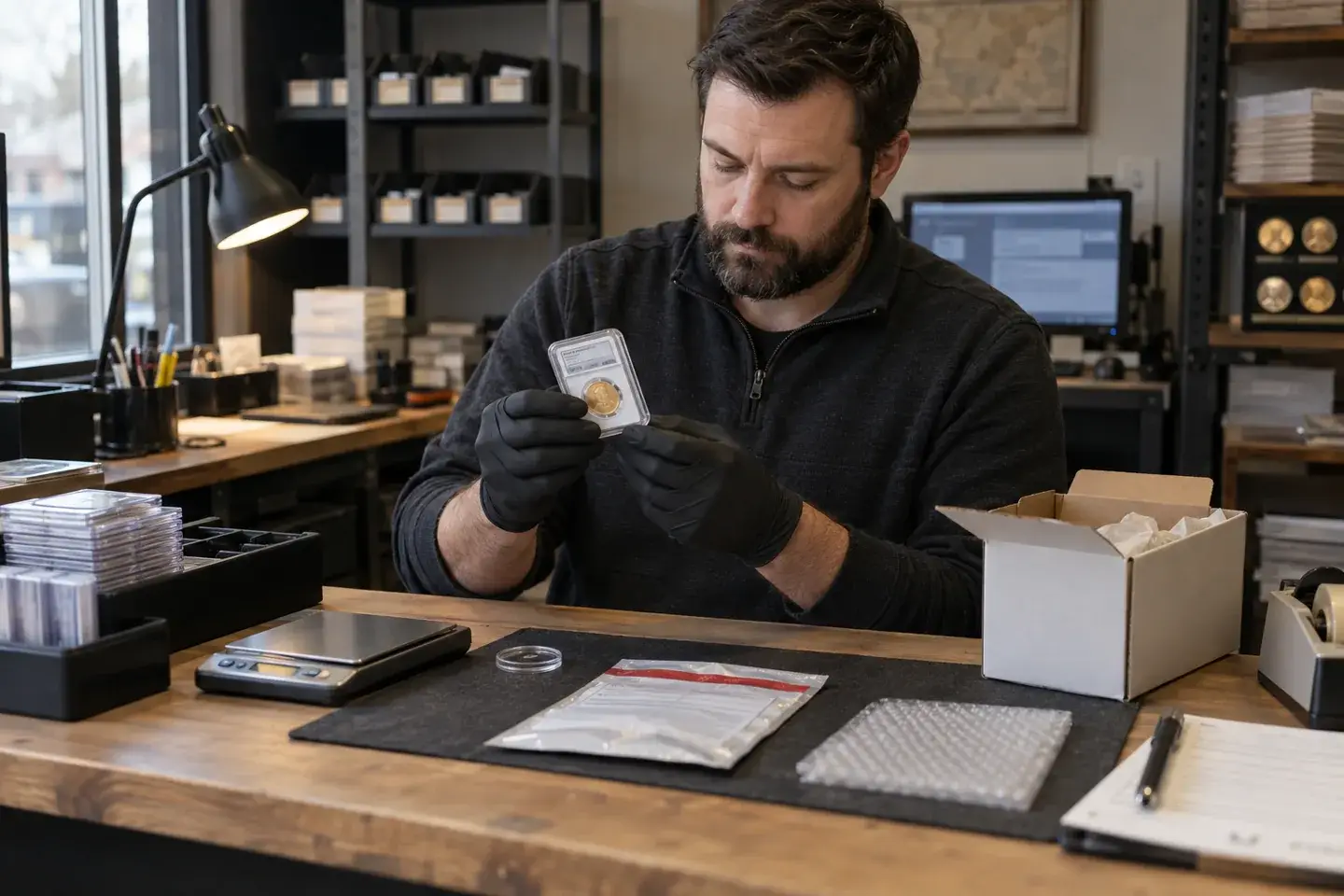
3. Verify and pack
Match the items against the invoice before the box closes. Many shops use two-person verification for higher-value shipments. Decide your threshold and apply it consistently.
4. Attach the shipment to the invoice
Record the carrier and tracking on the invoice itself. From this point on, anyone who opens the transaction can see where the package is.
5. Watch for exceptions, not just deliveries
The happy path takes care of itself. The work is in delivery exceptions: delays, failed attempts, address problems, and signature issues. When exceptions surface on the shipment record, they can be assigned and followed up instead of discovered by the customer.
6. Close the loop
Delivered and paid is done. Delivered and unpaid, or paid and stalled in transit, is an open item that should show up in the next morning’s view, not in next month’s reconciliation.
Shipping policy decisions to write down
Software keeps the record. The shop still needs a policy. Settle these questions once so staff are not deciding them box by box.
When does metal leave?
Define what payment status is required before a shipment is released, and whether it differs by customer history or order size.
Who can pack and who can verify?
Name the roles. Separation between the person who packs and the person who verifies is a simple control that catches most errors.
How are packages labeled and described?
Many dealers avoid any outer packaging that hints at the contents. Agree on your standard and make it routine.
What coverage do you need?
Carrier and insurance rules for precious metals vary. Confirm your coverage with your carrier and insurer, and record the coverage used on each shipment so you are not reconstructing it during a claim.
Who owns exceptions?
Assign one person to review delivery exceptions daily. An exception with no owner is just a notification.
Do not forget inbound packages
Shipping chaos has a mirror image: the box arriving from a wholesaler, a mail-in customer, or another dealer. Inbound packages need the same discipline. In bullionOS, shipping and vault receiving are connected, so an inbound package can be tied to the record it belongs to and received into inventory with a location. We cover the receiving side in detail in our post on bullion receiving.
Retiring the shipping notebook
You do not need to rebuild shipping all at once. A practical sequence:
- For one week, record every outbound shipment against its invoice, even if you still keep the notebook.
- At the end of the week, compare the two. Every gap you find is a gap the notebook was hiding.
- Assign an owner for delivery exceptions and make reviewing them part of the morning.
- Stop writing in the notebook. Box it with your other retired paper.
The goal is simple: any employee should be able to answer “where is my order?” by opening the invoice. When that is true, shipping stops being a corner of the back office and becomes part of how the desk runs.
For a connected package-to-invoice process, see bullionOS bullion dealer software.
See shipping linked to invoices
Bring a recent week of shipments, including the ones that went sideways, and we will walk through how they look when carrier status, invoices, and delivery exceptions live in one record. Book a complimentary bullionOS demo.