
Bullion Receiving Done Right: From Inbound Package to Vault Location
LEDGER · August 5, 2026
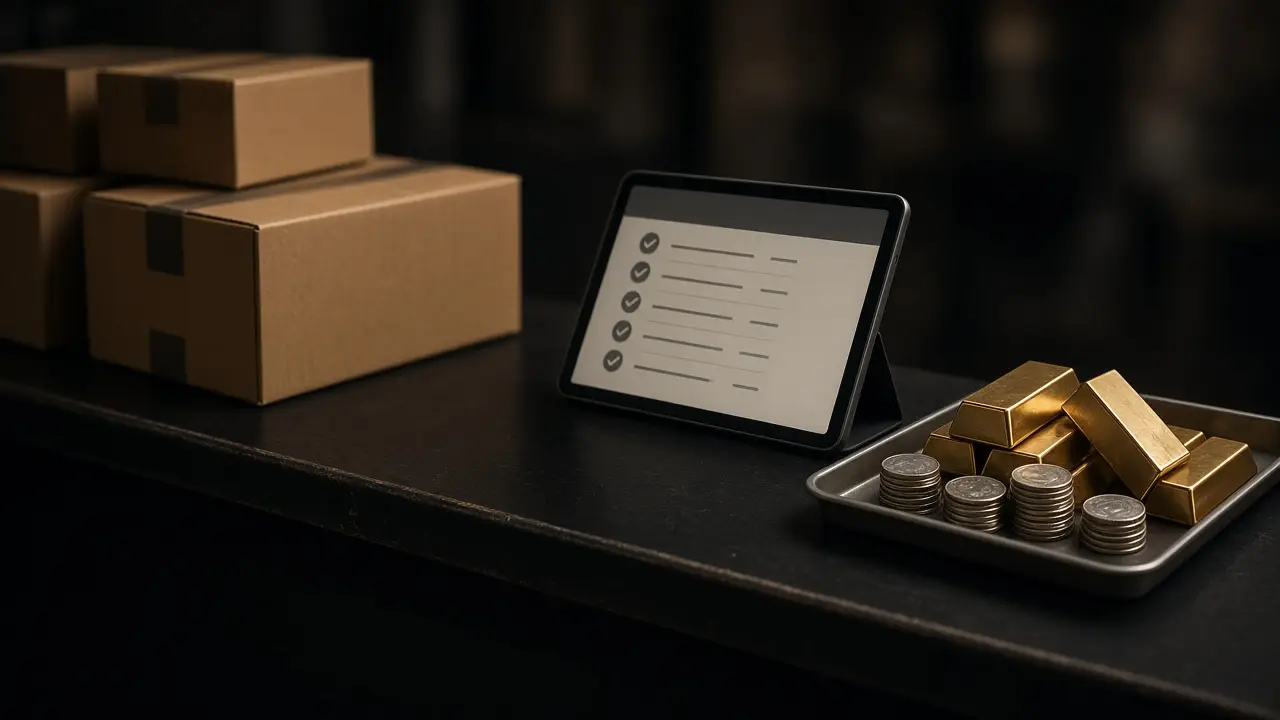
That gap between arrival and inventory is where receiving goes wrong. This post lays out a receiving workflow that closes it.
Why receiving deserves its own process
Receiving feels like a clerical step. It is actually the moment custody changes hands. Until a package is opened, counted, matched, and placed, the shop cannot say with confidence what it owns.
The unopened box problem
A sealed box on a desk is inventory nobody can quote, sell, or insure with confidence. If it sits through a shift change, the next person may not know it arrived at all.
The “close enough” count
When receiving is rushed, counts get eyeballed. A tube that should hold a set number of coins is assumed to be full. Shortages surface weeks later, when the person who opened the box no longer remembers it.
The missing link
An inbound package almost always belongs to something: a purchase from a supplier, a customer’s mail-in sale, a return against an invoice. In a paper shop, that connection lives on a packing slip that may or may not be kept.
Receiving as part of the transaction
In bullionOS, shipping connects carrier status, invoice records, delivery exceptions, and vault receiving, so physical movement stays accountable. Receiving is not a separate log; it is the step where a package becomes quote-ready inventory with a real location.
That means the questions that usually require detective work, such as “did that order arrive?”, “was it complete?”, and “where did we put it?”, can be answered from the record.

A receiving workflow you can run every day
1. Expect the package
Good receiving starts before the box arrives. When a supplier order is placed or a customer agrees to mail in a lot, record what is coming and how. Expected inbound shipments should be visible to whoever is on the desk, so an arrival is checked off rather than discovered.
2. Log arrival immediately
Record the package as arrived as soon as it is signed for, even if it cannot be opened yet. Note the condition of the outer packaging. Damage, retaping, or a broken seal should be photographed and noted before the box is opened.
3. Open in a controlled spot
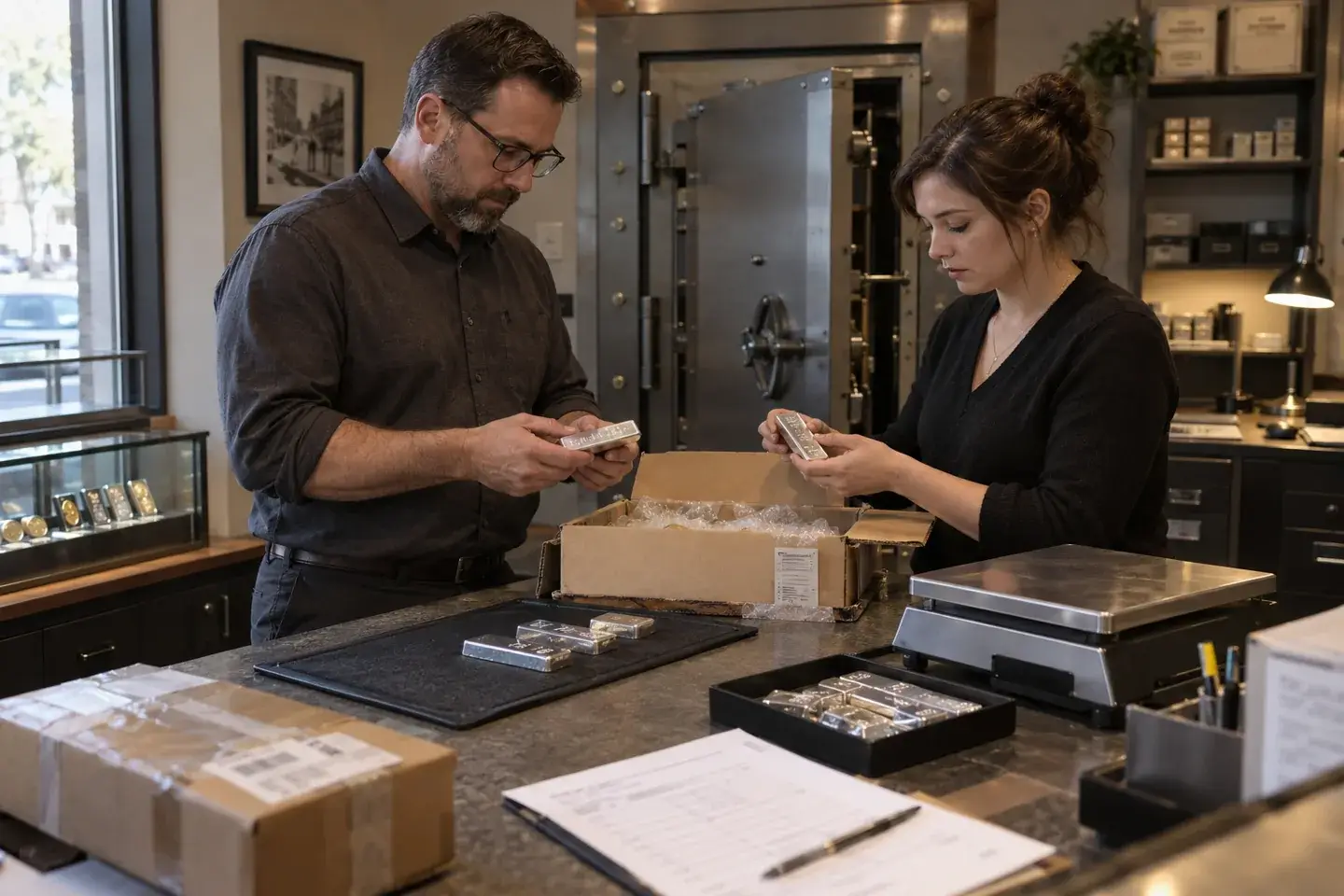
Choose one receiving area, ideally on camera, with a clear surface and nothing else on it. Open one package at a time. Mixing the contents of two boxes on one counter is how items end up in the wrong record.
4. Count and match
Match the contents against what was expected: product, quantity, weight, and condition. For sealed bullion products, verify the packaging. For customer mail-ins, record what arrived before any evaluation begins, so the customer’s lot is documented exactly as received.
5. Record variances, do not absorb them
If something is short, extra, damaged, or different, record it as a variance and assign someone to resolve it with the supplier, customer, or carrier. A variance quietly corrected by adjusting a quantity is a variance nobody can explain later.
6. Place it with a location
Receiving is not finished until every item has a named location: a safe, a drawer, a showcase, a hold shelf. Once placed, it becomes quote-ready inventory with SKU, metal, quantity, vault location, and buy and sell pricing visible to the counter.
7. Close the inbound record
Mark the shipment received and complete. Anything still open, such as a variance or an item waiting for testing, should stay visible until it is resolved.
Different packages, different rules
Supplier and wholesale orders
Match against the order. Confirm product and quantity before the items are available to sell, especially for anything already promised to a customer.
Customer mail-in lots
Treat these as custody of someone else’s property until the purchase is complete. Record contents exactly as received, keep the lot together, and connect it to the customer and the eventual invoice. Our post on precious-metals purchase intake covers evaluation and approval in depth.
Returns
Connect the return to the original invoice. Inspect before returning the item to available inventory, and keep returned items out of the sellable pool until they are checked.
Items back from grading or other services
Match returned items to what was sent. Update the item record with any new information before it returns to a location.
Who should receive?
In a small shop, the owner often receives everything personally. That works until it does not, usually on the busiest day of the year. Write down who is authorized to receive, who can verify, and what value threshold needs a second person. Separating the person who ordered from the person who receives is a simple, effective control.
The daily receiving check
Add a short receiving review to the end of each day:
- Every package that arrived today is logged.
- Every opened package has been matched and placed.
- Every variance has an owner.
- No unopened box is leaving the day without a recorded location.
When those four lines are true, the shop knows what it owns at close. That makes the daily close cleaner and the next morning’s quotes more reliable.
Retire the packing-slip pile
The stack of packing slips on the back desk is a symptom of receiving that is not connected to anything. Replace it with one inbound record per package, linked to the order or customer it belongs to, and the pile has nowhere to grow.
For receiving, locations, and the rest of the stockroom, see bullionOS coin inventory software.
See receiving in bullionOS
We will walk through an inbound package from arrival to vault location using your own receiving scenarios, including supplier orders, mail-ins, and returns. Book a complimentary demo.