
Selling Coins on eBay Without Double-Selling Your Counter Inventory
LEDGER · September 16, 2026
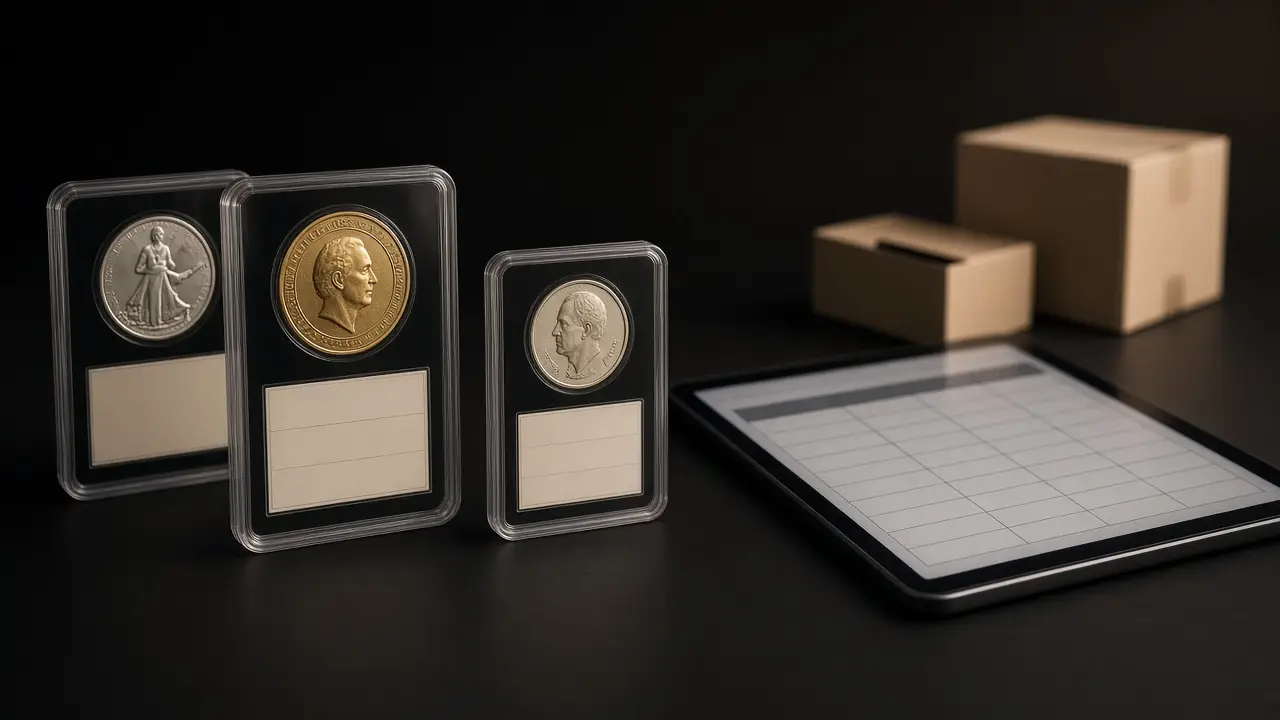
The fix is not more care. It is fewer separate systems. This post covers how to run eBay as part of the dealer workflow instead of beside it.
The problems with a separate eBay operation
Double-selling
When the counter and the listing work from different records, both can sell the same item. Then the shop has to cancel on someone, usually the online buyer, and absorb the hit to its seller reputation.
Inventory that disappears from the counter
The opposite problem is just as costly. Items pulled for eBay sit in a separate box, invisible to the counter, even when a walk-in customer would have bought them at a better price that afternoon.
Pricing drift
A bullion listing priced last week does not move with spot unless someone updates it. On a rising market the shop leaves money on the table; on a falling one the listing quietly goes stale.
Orders that live outside the books
eBay orders that never become invoices in the shop’s own system create a second set of sales to reconcile at month-end. The marketplace payout arrives as a lump sum that has to be matched back to individual sales by hand.
Shipping on a different track
Online orders ship with their own labels, their own tracking, and often their own person. When shipping is not connected to an invoice, “where is my order?” messages take longer to answer.
Treat eBay as a channel, not a separate business
The principle is simple: an item listed on eBay is still the shop’s inventory, sitting in a real location, with a real cost and a real price. The listing is a sales channel for that item, not a copy of it.
bullionOS includes an eBay workflow as part of the same dealer operating system that holds quote-ready inventory, invoices, shipping, payments, and daily close. That puts the marketplace channel next to the counter instead of in a spreadsheet on someone’s laptop.
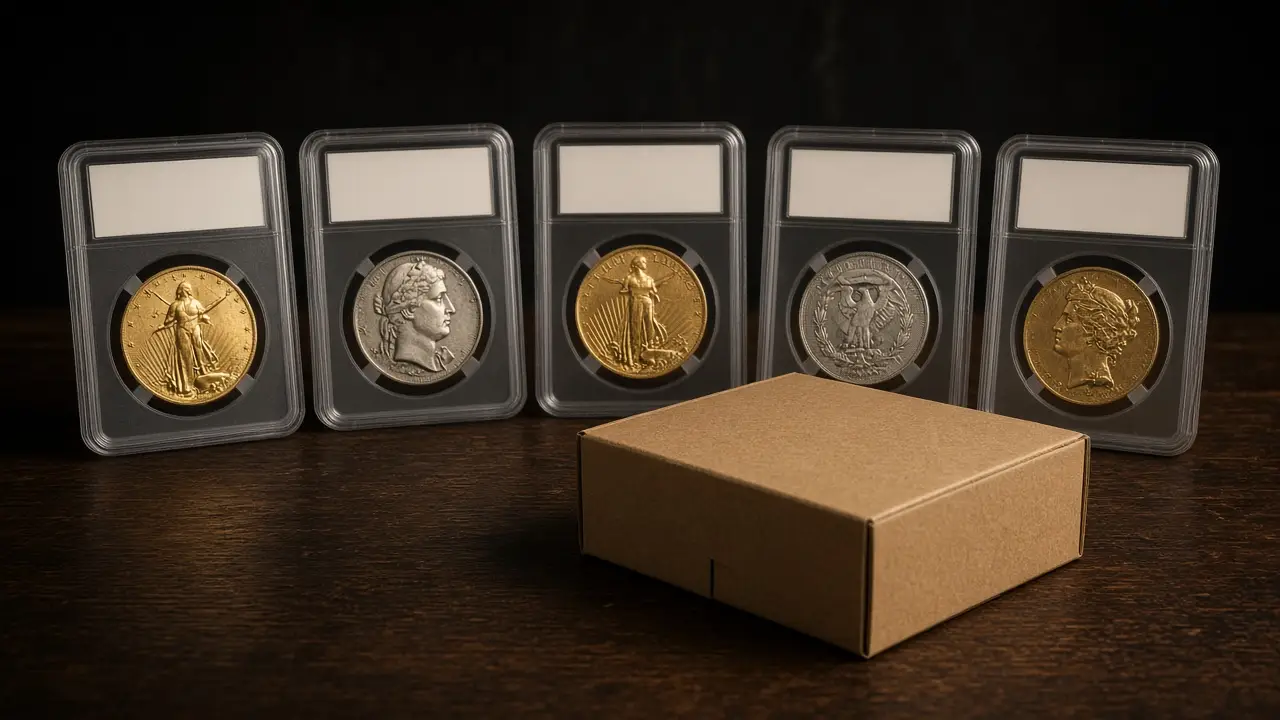
Building an eBay workflow that holds up
1. Decide what goes online
Not everything belongs on a marketplace. Many dealers list certified coins, collector material, and inventory that has sat at the counter too long, while keeping fast-moving bullion for walk-in and phone customers. Write down your rule so staff are not deciding item by item.
2. Keep listed items in inventory, with a location
A listed coin should still show in quote-ready inventory with its SKU, metal, quantity, vault location, and pricing. If it has been moved to a dedicated shelf, that shelf is a named location, not “the eBay pile.”
3. Mark the listing status on the item
Staff at the counter should be able to see that an item is listed before they sell it. Your policy should say what happens when a walk-in wants a listed item: sell it and end the listing, or hold it for the marketplace. Either answer is fine. Having no answer is the problem.
4. Price bullion listings deliberately
Spot-sensitive listings need a pricing approach that accounts for market movement and marketplace fees. Decide how often bullion listings are reviewed, and use live spot to check whether listed prices still make sense against your counter prices.
5. Turn every order into an invoice
When an eBay sale happens, it should become an invoice in the shop’s system, like any counter sale. That keeps sales, inventory, and payments in one place and makes the marketplace payout easier to reconcile at close.
6. Ship from the invoice
Marketplace orders should go through the same shipping workflow as every other order. In bullionOS, shipping connects carrier status, invoice records, delivery exceptions, and vault receiving, so an eBay order is tracked the same way as a phone order.
7. Reconcile payouts at close
Marketplace payouts often arrive net of fees and grouped across several orders. Match each payout to the invoices it covers as part of daily cash control, rather than leaving a pile of unexplained deposits for month-end.
Policies to write down before you scale
- Listing authority. Who can list, edit, and end listings, and who approves pricing on higher-value items.
- Counter versus online priority. What happens when a walk-in customer wants a listed item.
- Payment and release. When an online order is considered paid and ready to ship.
- Returns. How a marketplace return is inspected and returned to inventory, tied to the original invoice.
- Buyer communication. Who responds to buyer messages, and how quickly.

Marketplace rules and fees change, and some categories have specific requirements. Review eBay’s current seller policies for coins and bullion before expanding your listings, and check with your accountant on how marketplace sales and fees should be recorded.
Retire the listing spreadsheet
The listing spreadsheet is a symptom of a channel that grew faster than the process behind it. A practical way to retire it:
- Physically gather every item currently listed and confirm it against the spreadsheet.
- Give each item a real inventory record and a named location.
- Record listing status on the item itself.
- Run new orders through invoices and shipping from day one.
- Archive the spreadsheet once every live listing is accounted for.
Once the counter and the marketplace are working from the same inventory record, eBay becomes what it should be: another way to sell the metal you already manage well.
For keeping marketplace listings tied to live stock, see bullionOS coin inventory software.
See the eBay workflow in a demo
Tell us how you sell online today, including the spreadsheets, and we will walk through how the bullionOS eBay workflow fits with your inventory, invoices, shipping, and close. Book a complimentary demo.